Best Free Video Editors for Phones in 2026
Four video editors for iPhone and Android, ranked by what the free version gives you: Adobe Premiere, Edits, CapCut and InShot.
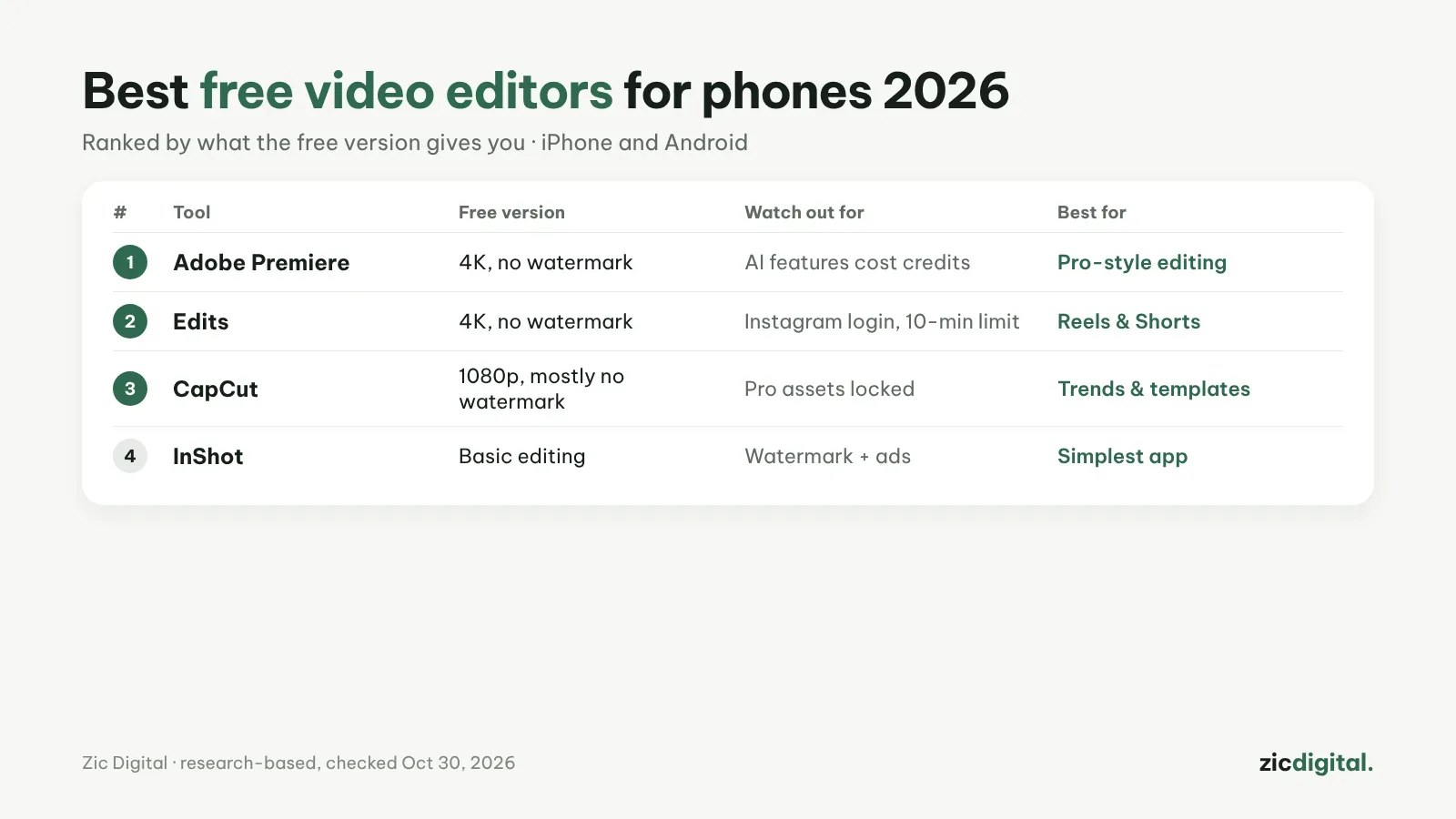
This list only looks at what you get without paying: export resolution, watermarks and the limits that come with it.
1. Adobe Premiere — the most powerful free option
Multi-track timeline, unlimited auto captions and voice cleanup. Only generative AI uses credits. Free version: export up to 4K, no watermark. Adobe Premiere review · CapCut vs Adobe Premiere
2. Edits — closest to CapCut for Reels and Shorts
Instagram's app looks a lot like CapCut and has keyframes and green screen. Free version: export up to 4K, no watermark; needs an Instagram account, 10-minute limit. Edits review · CapCut vs Edits
3. CapCut — the most templates and effects
Still the biggest library of trend templates, with desktop and web versions too. Free version: export up to 1080p, mostly without a watermark; Pro assets locked. CapCut review · CapCut pricing 2026
4. InShot — the simplest for beginners
Cuts, music, text and collages are very easy. Free version: all basic tools, but with a watermark and ads. InShot review · CapCut vs InShot
Editing on a computer? See best free video editors for Windows. The full list, including paid tools: 8 best CapCut alternatives.
Ranking based on research (official pages, app stores, pricing), checked October 30, 2026 — no affiliate links.
The full YouTube creator toolkit: YouTube Creator Toolkit 2026