Adobe Premiere Mobile Review 2026: Adobe-Grade Editing for Free
Adobe Premiere (mobile) — 8.6/10
Adobe's free Premiere app for iPhone and Android exports 4K with no watermark and unlimited auto-captions; only generative AI features cost credits.
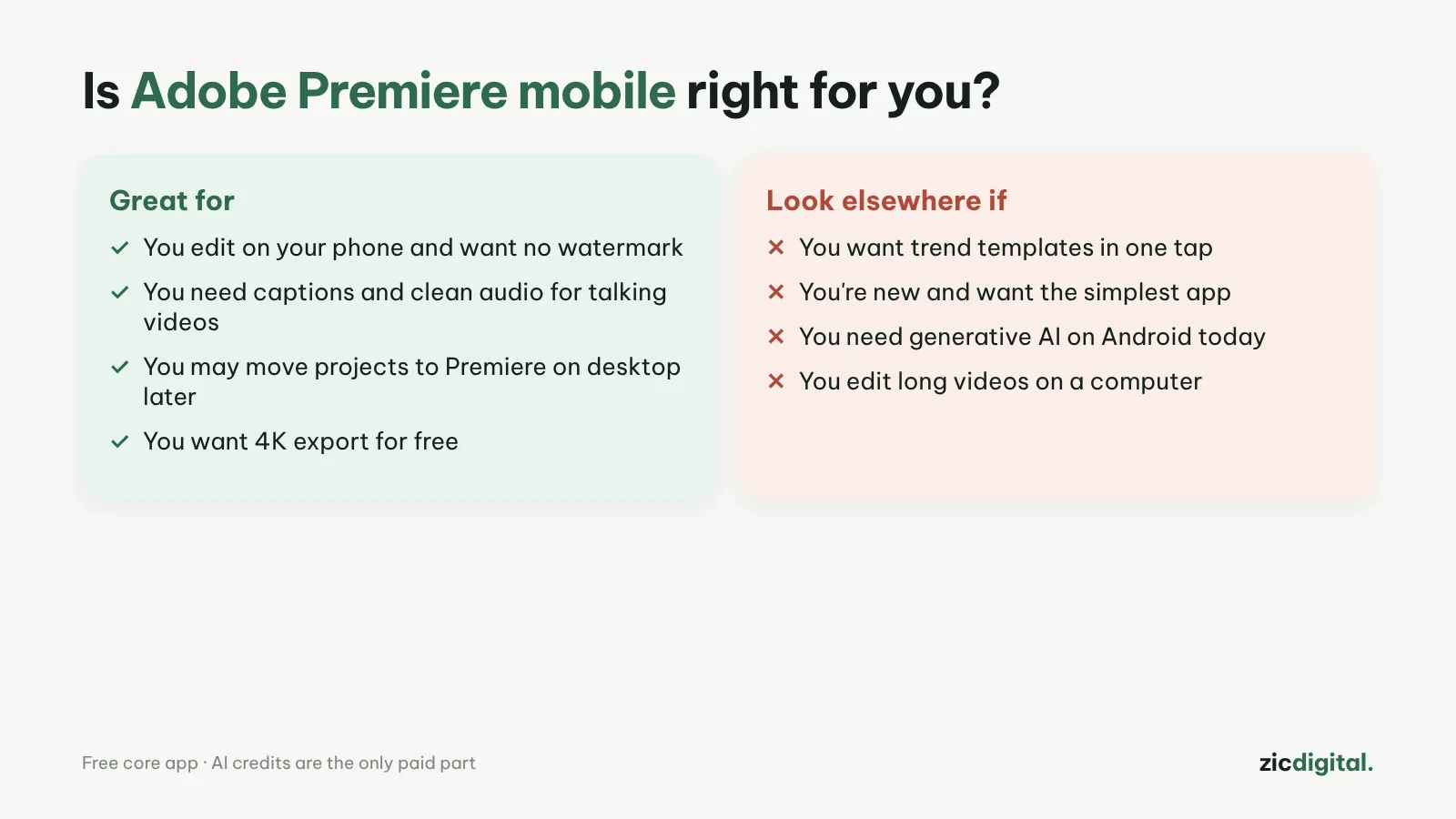
- You edit on your phone and want no watermark
- You need captions and clear audio for talking videos
- You may move projects to Premiere on desktop later
- You want one-tap trend templates
- You're brand new and want the simplest app
- You need generative AI on Android today
Free, 4K export with no watermark, multi-track timeline, unlimited auto-captions
Harder than CapCut for beginners; generative AI costs credits and is iOS-only for now
Based on Adobe's official pages, app stores and tech press, checked October 30, 2026
What Adobe Premiere mobile is
Adobe launched a free Premiere app on iPhone in September 2025 and on Android in September 2026. It's a separate editing app, not a shrunken Premiere Pro, but it has an unlimited multi-track timeline, effects, transitions and YouTube Shorts templates.
What's free
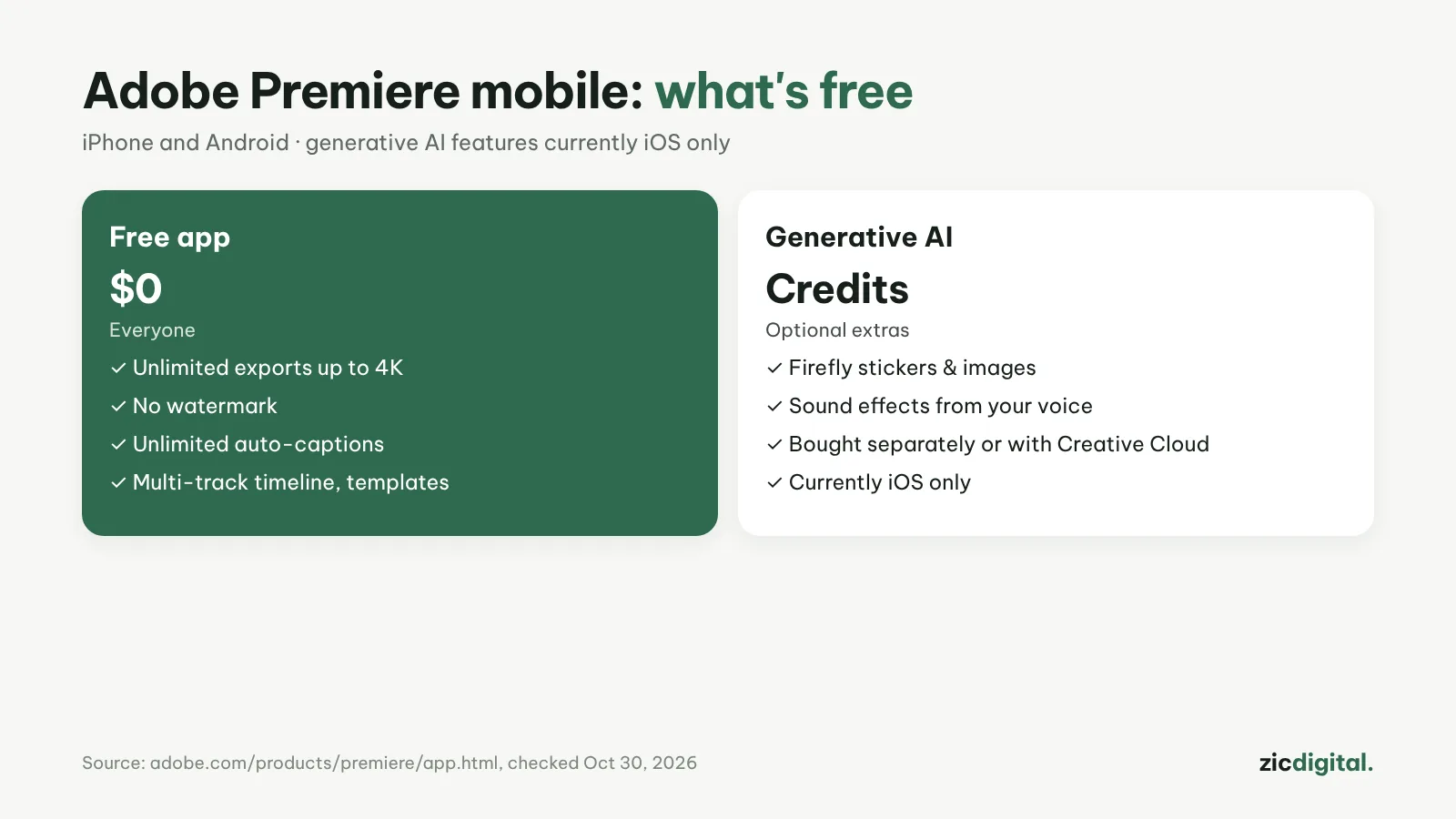
Unlimited exports up to 4K with no watermark, unlimited auto-captions, one-tap background removal and Enhance Audio for clearer speech. Only generative AI (Firefly stickers, images and sound effects from your voice) needs credits, bought separately or included with Creative Cloud, and it's currently iOS only.
Downsides
There are more options than in CapCut, so beginners need time to settle in, and there are fewer trend templates. You can send projects to Premiere on desktop, but the desktop app needs a paid plan.
Verdict
If you want to edit on your phone without a watermark, this is the strongest free option right now. For speed and templates, see Edits; complete beginners should try InShot. Compare everything in 8 best CapCut alternatives and our CapCut review.
Head-to-head: CapCut vs Adobe Premiere · See also: Best free video editors for phones
How-to: Captions in Adobe Premiere · Compare: Edits vs Adobe Premiere