Filmora Review 2026: Easier Than DaVinci, but Watch the Yearly Plans
Filmora — 7.7/10
Filmora is easy, packed with effects and AI tools, and runs on Windows and Mac; the free version adds a watermark, and paid plans are yearly and auto-renew.
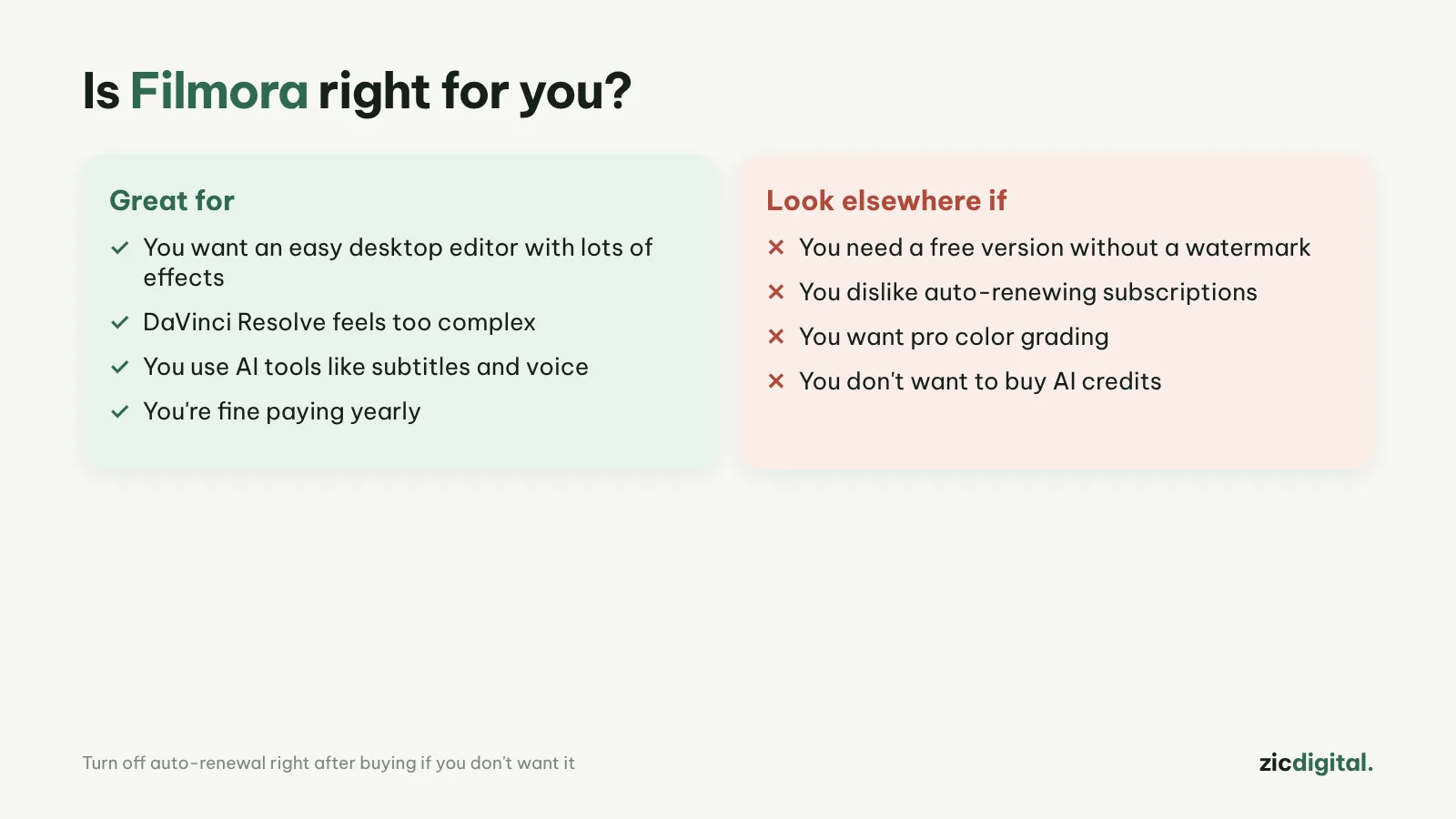
- You want an easy desktop editor with lots of effects
- DaVinci Resolve feels too complex
- You use AI tools like subtitles and voice
- You need a free version without a watermark
- You dislike auto-renewing subscriptions
- You need professional color grading
Easy to learn, big effects and template library, many AI tools, runs smoothly
Free version has a watermark; yearly billing with auto-renew; AI uses credits
Based on TechRadar's review (July 2026), price trackers and public user feedback, checked October 30, 2026
What Filmora is
Wondershare Filmora is a video editor for Windows and Mac known for being easy to learn. Version 15 added lots of AI: AI subtitles, voice cloning, prompt-based editing, a video extender and image- or text-to-video. According to TechRadar (July 2026), it runs smoothly even with long projects.
Prices
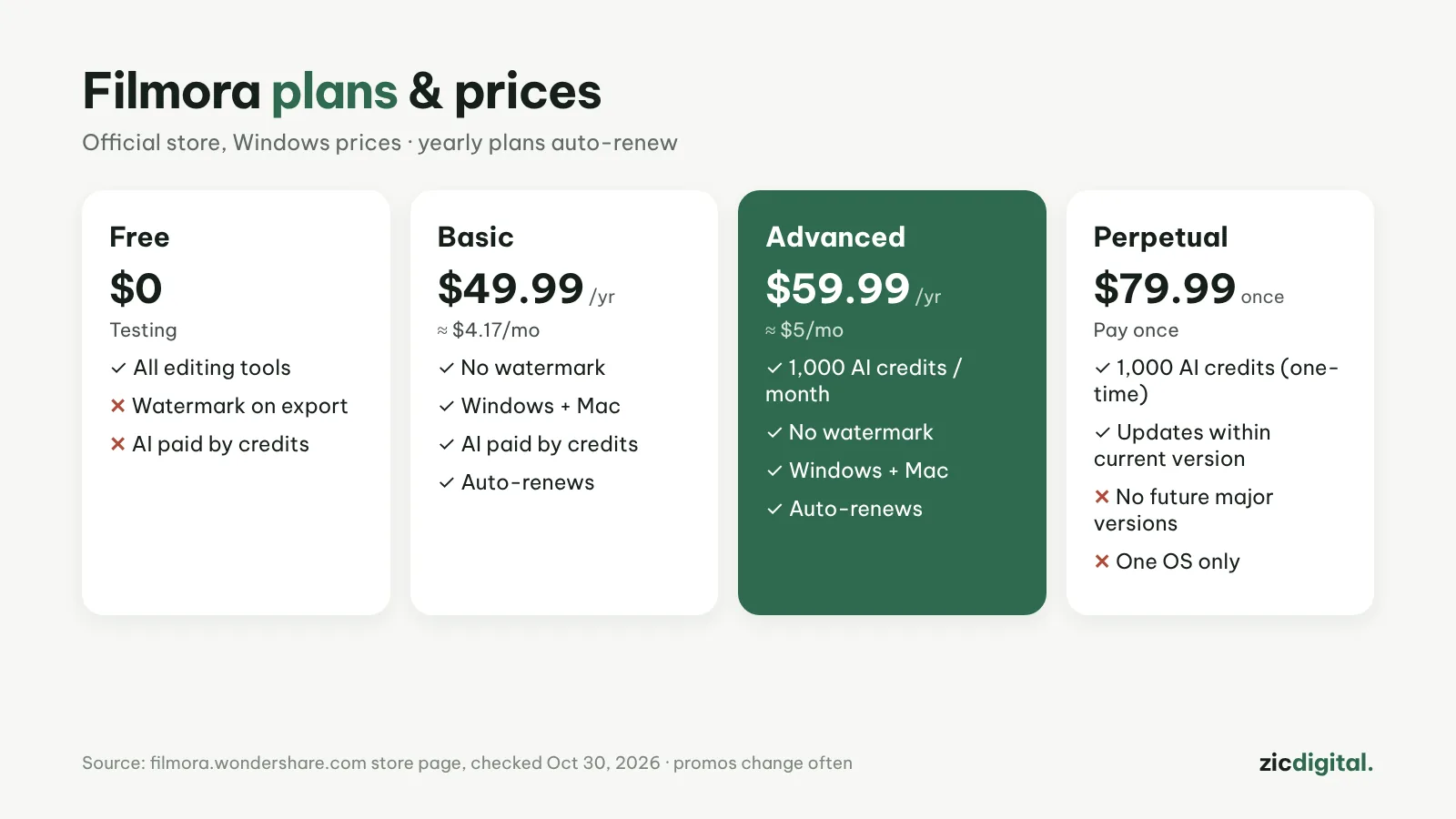
The free version has all editing tools but adds a watermark on export. According to the official store (October 30, 2026): Basic is about $49.99/year (≈ $4.17/month), Advanced $59.99/year (≈ $5/month, 1,000 AI credits a month), or a one-time $79.99 licence (1,000 AI credits once, no future major versions). Yearly plans cover both Windows and Mac; the one-time licence is for one operating system. Wondershare changes prices and promos often, so check the official site.
Downsides
Plans are billed yearly and auto-renew, and many users complain about unexpected renewal charges, so turn off auto-renewal right after buying if you're unsure. Some effects and assets are still sold as extras.
Verdict
Filmora suits people who want an easy desktop editor with lots of effects and don't mind paying yearly. For free with no watermark, pick DaVinci Resolve; for simple editing on Windows, see Clipchamp. All options are in 8 best CapCut alternatives and our CapCut review.
Head-to-head: CapCut vs Filmora · See also: Best free video editors for Windows
How-to: Removing the InShot and Filmora watermark · Compare: DaVinci Resolve vs Filmora