Music for YouTube Without Copyright Claims: The Safe Way in 2026
How to use background music without Content ID claims: YouTube's free Audio Library, or Epidemic Sound and Artlist with the step of connecting your channel before you publish.
Using music from unknown sources is the fastest way to get a copyright claim, lose revenue or have your video muted. Writing "no copyright intended" in the description doesn't help. Here are five safe steps, based on help pages from YouTube, Epidemic Sound and Artlist.
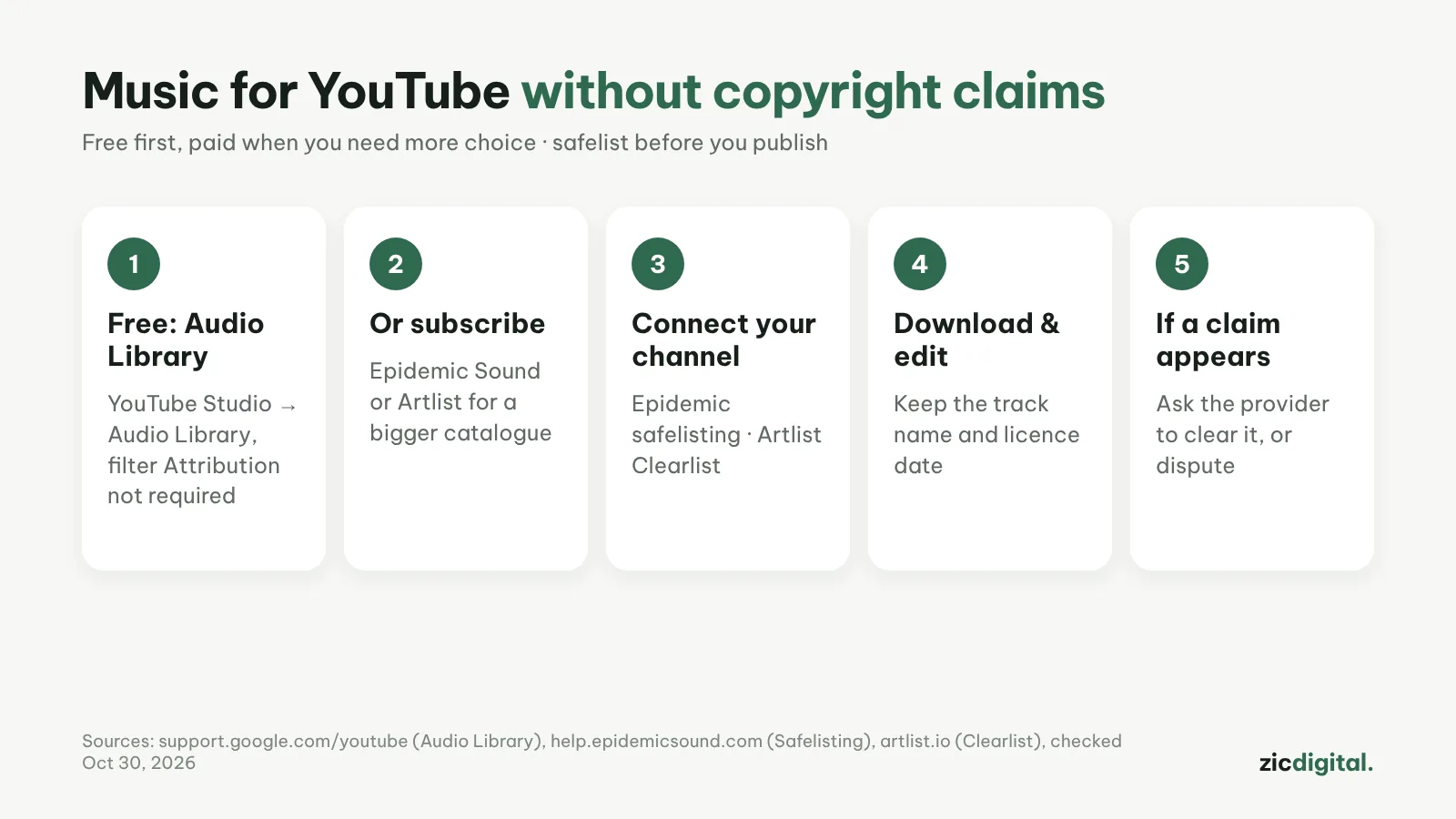
1. Start with the Audio Library
In YouTube Studio, open Audio Library. Filter for "Attribution not required" so you don't need to credit the artist. According to YouTube, tracks downloaded there aren't claimed through Content ID and can be used in monetized videos.
2. Need more choice? Subscribe to a library
Epidemic Sound or Artlist have far bigger catalogues plus sound effects. Pick the plan that fits: personal channel, or ads and client work.
3. Connect your channel before publishing
Epidemic calls it safelisting, Artlist calls it Clearlist: add your YouTube channel to your account before you post. This is the most important step.
4. Download and edit
Download the track and edit in CapCut or DaVinci Resolve. Note the track name and your subscription dates in case you need proof.
5. If you still get a claim
Check that your channel is connected. For subscription music, ask the provider to clear it (Artlist says this usually takes minutes); otherwise dispute it in YouTube Studio.
Important notes
- Videos published while subscribed stay licensed after you cancel, but don't use old tracks in new videos
- Popular songs (pop hits, film music) almost always get claimed
- Music inside editing apps may have its own terms; read them before using it in ads
- Creative Commons tracks must be credited in the description
Guide based on official help pages and docs, checked October 30, 2026 — no affiliate links.
Read more: Epidemic Sound vs Artlist 2026 · Epidemic Sound review · Artlist review · CapCut Export Settings for YouTube and TikTok · How to Make YouTube Shorts in CapCut, Step by Step · YouTube Creator Toolkit 2026