YouTube SEO with vidIQ: A Beginner’s Guide (2026)
Five steps to find keywords and write titles, descriptions and tags with vidIQ, then check results after publishing. The free plan is enough for one video a day.
YouTube SEO helps viewers find your video through search and recommendations. vidIQ shows which keywords people search for and how competitive they are. The free plan gives you 3 keyword searches a day, enough for one video. Remember the scores are estimates: your content and thumbnail still matter most.
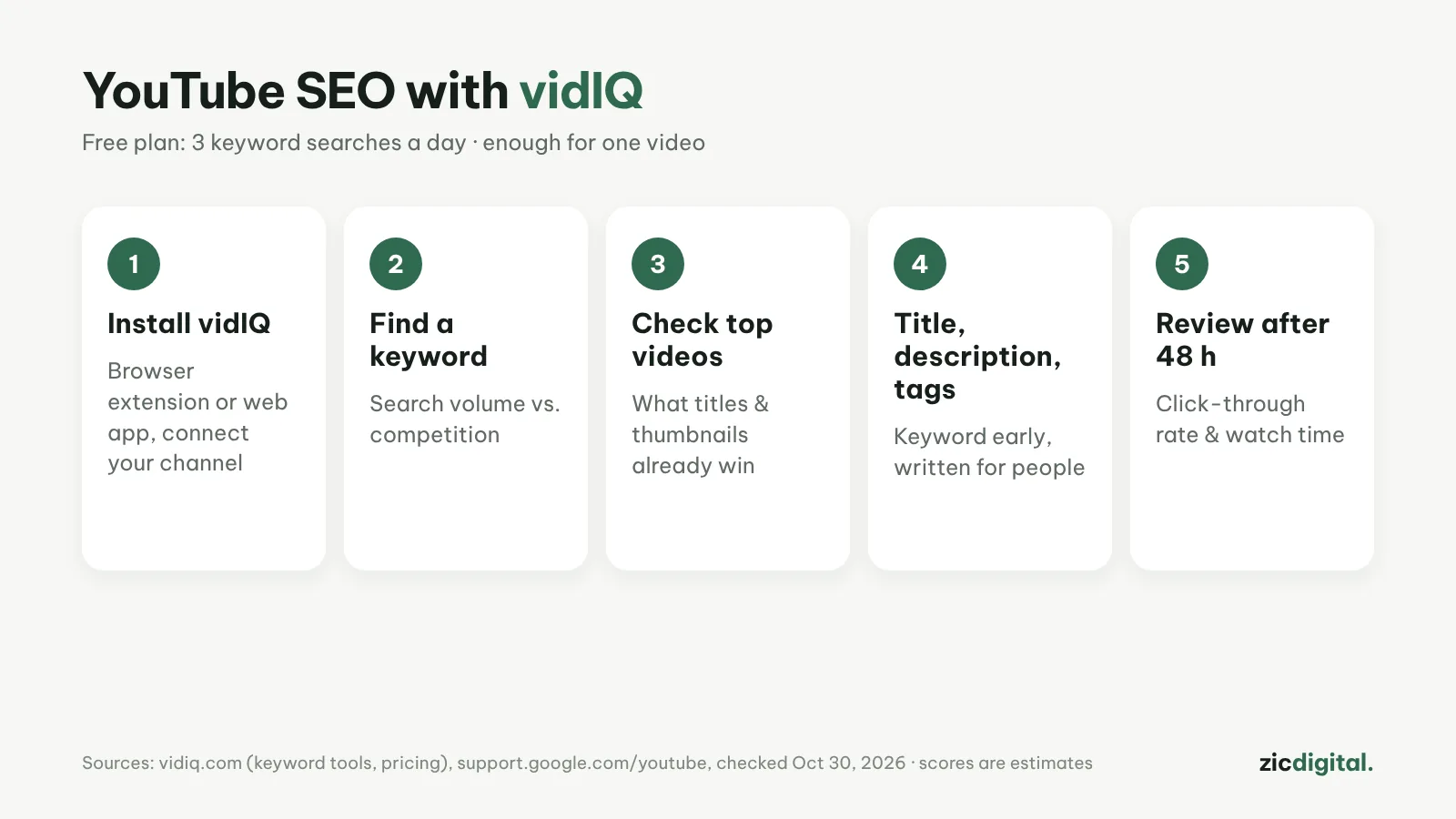
1. Install vidIQ
Add the vidIQ browser extension or use the web app, sign in and connect your YouTube channel.
2. Find a keyword
Type your topic into the keyword tool. Favor decent search volume with low competition; small channels should pick longer, specific phrases.
3. Study the top videos
Search that keyword on YouTube and look at the top 5 videos: titles, thumbnails, length. Find what you can do differently or better.
4. Write title, description, tags
Put the keyword early in the title and write for people, not robots. Repeat it in the first two lines of the description; tags are secondary.
5. Review after 48 hours
In YouTube Studio, check click-through rate and watch time. If click-through is low, change the thumbnail or title first.
More tips
- One main keyword per video; don't chase several topics
- Make thumbnails in Canva with big text, 3–4 words max
- Add chapters in the description for longer videos
- TubeBuddy is cheaper if you mainly need bulk edits
Guide based on official help pages and docs, checked October 30, 2026 — no affiliate links.
Read more: vidIQ review · vidIQ vs TubeBuddy 2026 · TubeBuddy review · Canva review · How to Make YouTube Shorts in CapCut, Step by Step · YouTube Creator Toolkit 2026